Your menu, in every guest’s language.
Guests scan the table’s QR, read your menu in their language and order from their seat. Kitchen, floor and till see it live.
- Live in 30 minutes
- From €29 a month. 0% commission on payments.
Taverna Platanos
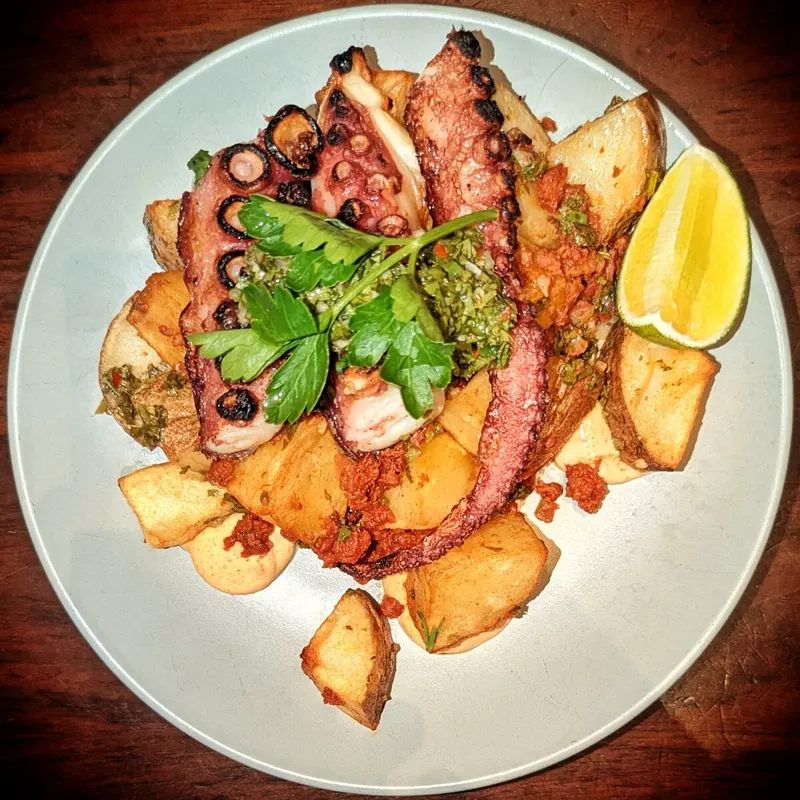
Charcoal-grilled, lemon, oregano, olive oil
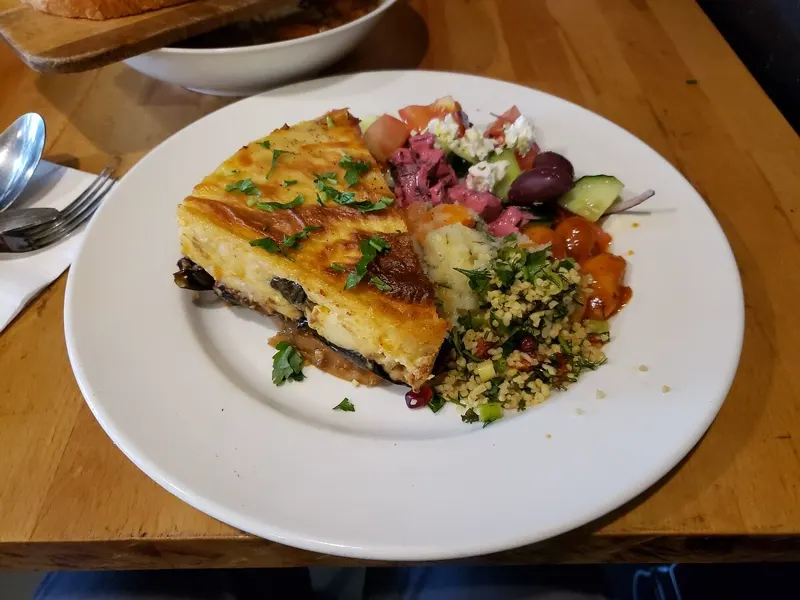
Lamb slow-roasted in paper with potatoes
Choose a language. Watch the menu change, allergens included.
Published ahead of time, so it opens instantly.
Allergen labels are ours, never machine-translated.
Sample venue and prices.
What guests see
The QR on the table opens the menu in the browser, in the phone’s language. No app to install, no account to make, no waiting for someone to come over.
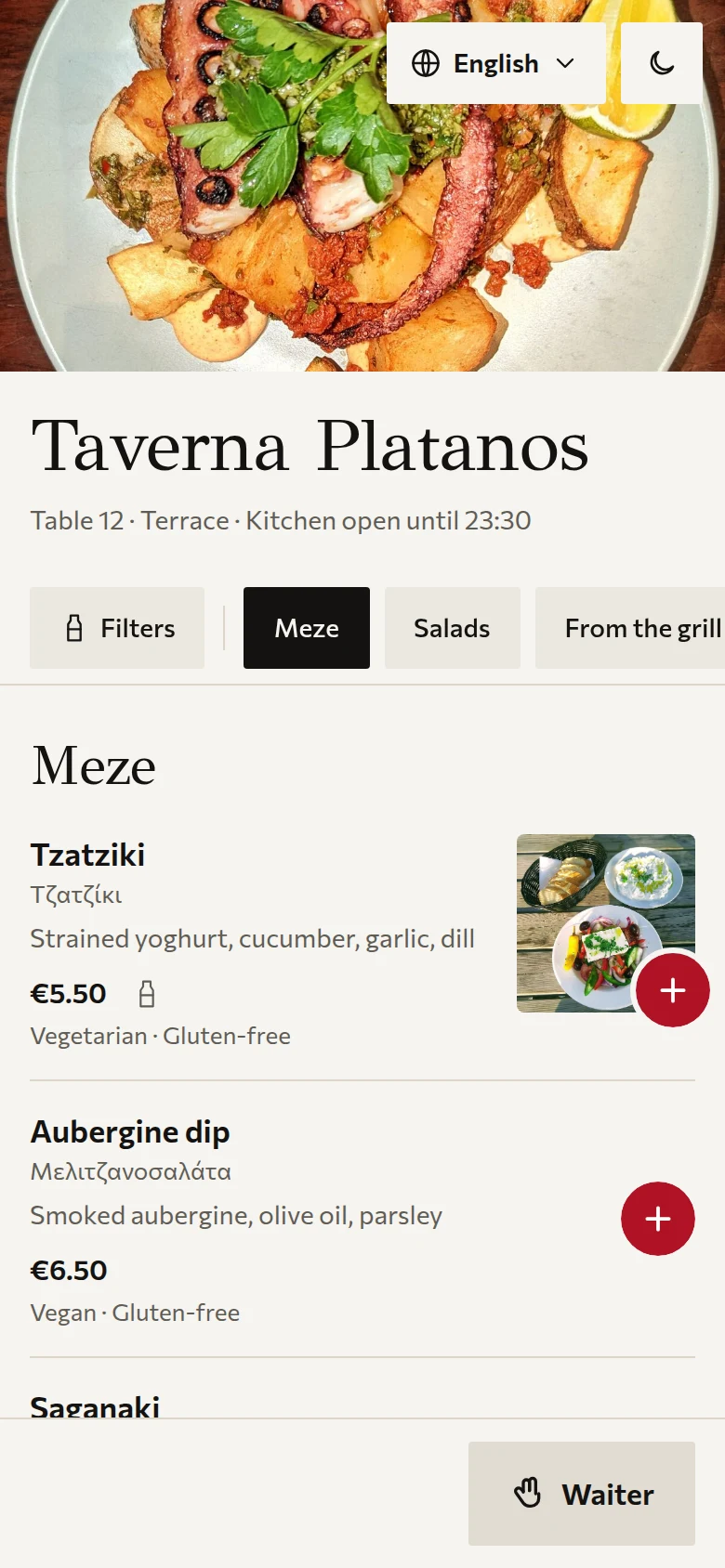
The menu
Photos, prices and categories that follow your thumb. Sold-out dishes disappear the moment the kitchen says so.
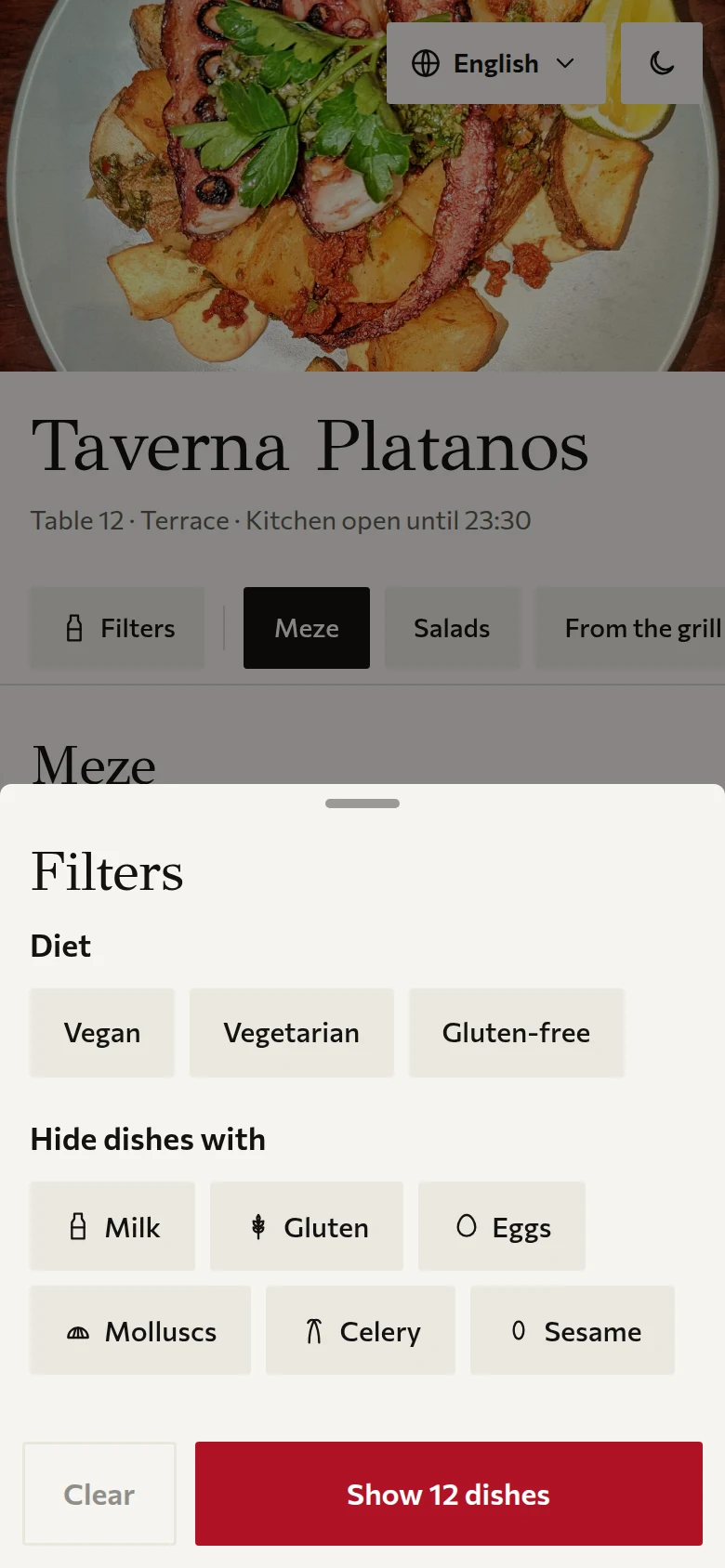
Allergens and diets
Guests hide dishes with milk, gluten, eggs and the other 11 EU allergens, or show only vegan, vegetarian or gluten-free.
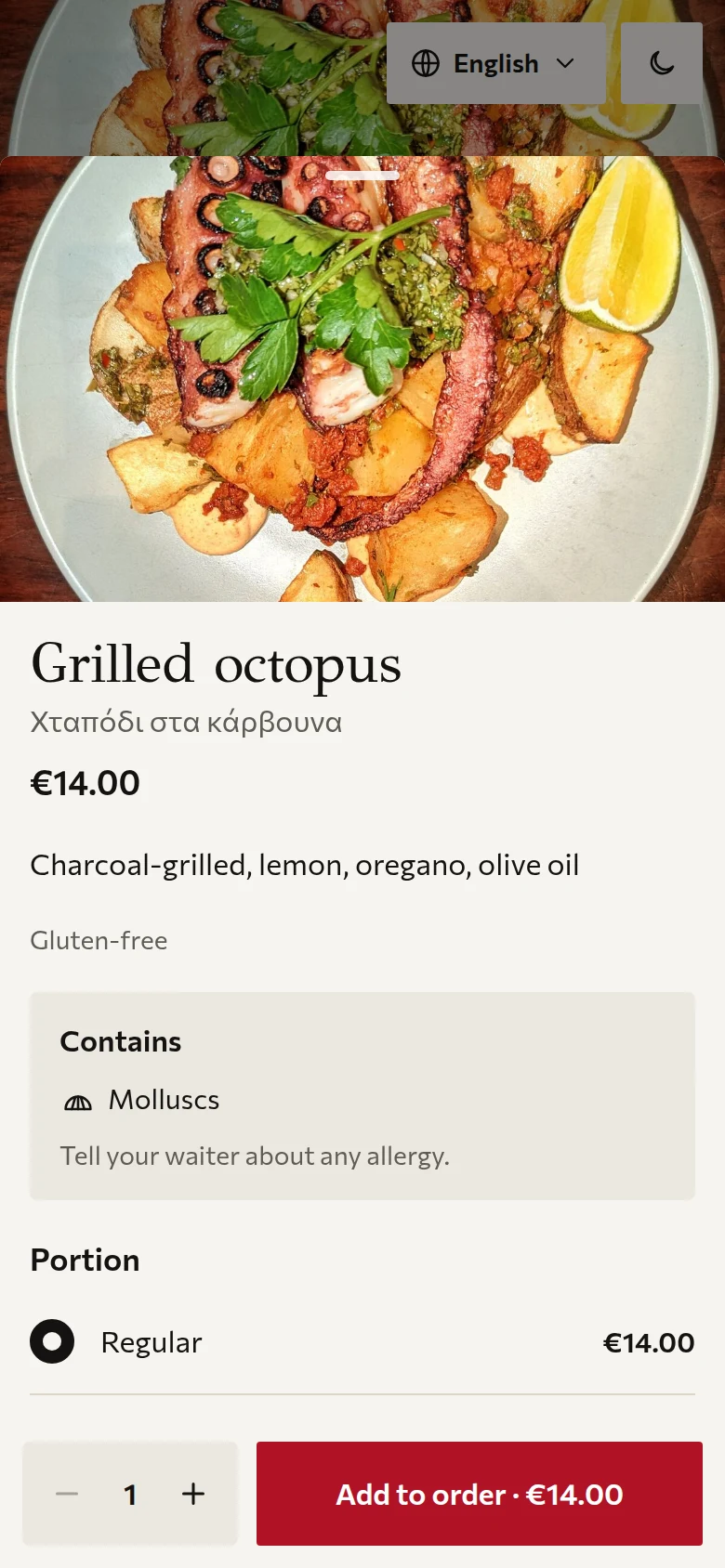
A dish
Ingredients, allergens and choices in one sheet. Portions and extras change the price as they are picked.
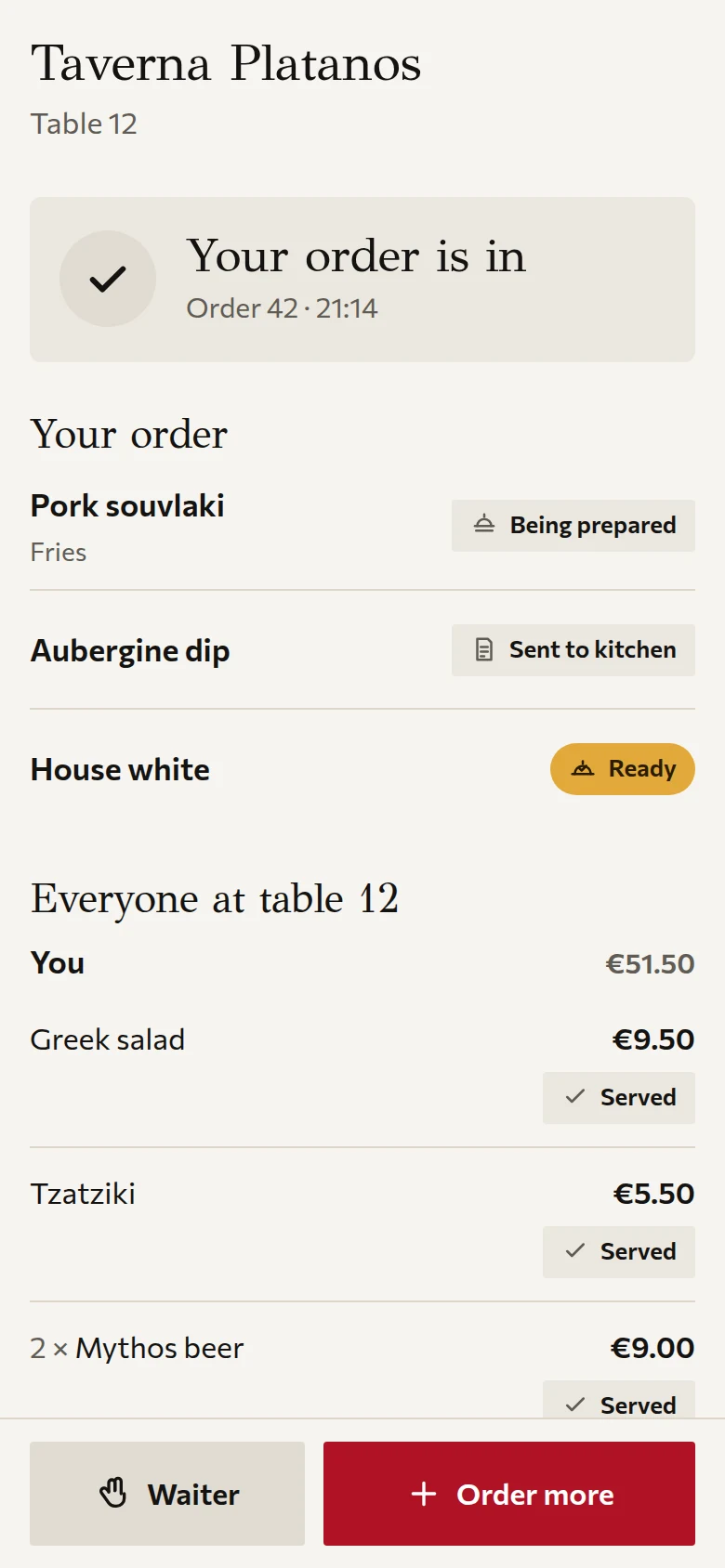
The table’s order
Everyone at the table sees what has been ordered, what is cooking and what is ready. Each guest keeps their own cart.
Everyone sees the order at once
The second a guest sends an order it is on the kitchen screen, on the waiter’s floor map and in the cashier’s open bills. Nobody walks to the pass to ask.
Kitchen: tickets by age
Tickets run oldest first and change colour as they wait. Allergens and notes are marked on the line. Tap a line when it is ready.
Waiters: the floor map
Every table in its state: new order, food ready, waiting too long, called, bill asked. Tap one to see what it ordered and for how long.
Cashier: open bills
Running totals per table. Take cash, mark a card terminal payment, or show a QR to pay. Close at zero balance.
Translated while you write
You write the menu once. In your language. Choose the three or four your guests speak and Tavli translates the whole menu, keeping dish names authentic: Kleftiko stays Kleftiko.
Your edits are final. Change any line in any language and it is locked. A later translation run never overwrites it.
Allergens are never guessed. They are fixed codes with our own reviewed labels in every language, not machine translation. A guest asking for a language you did not publish gets it translated on the spot, then it is instant for everyone after.
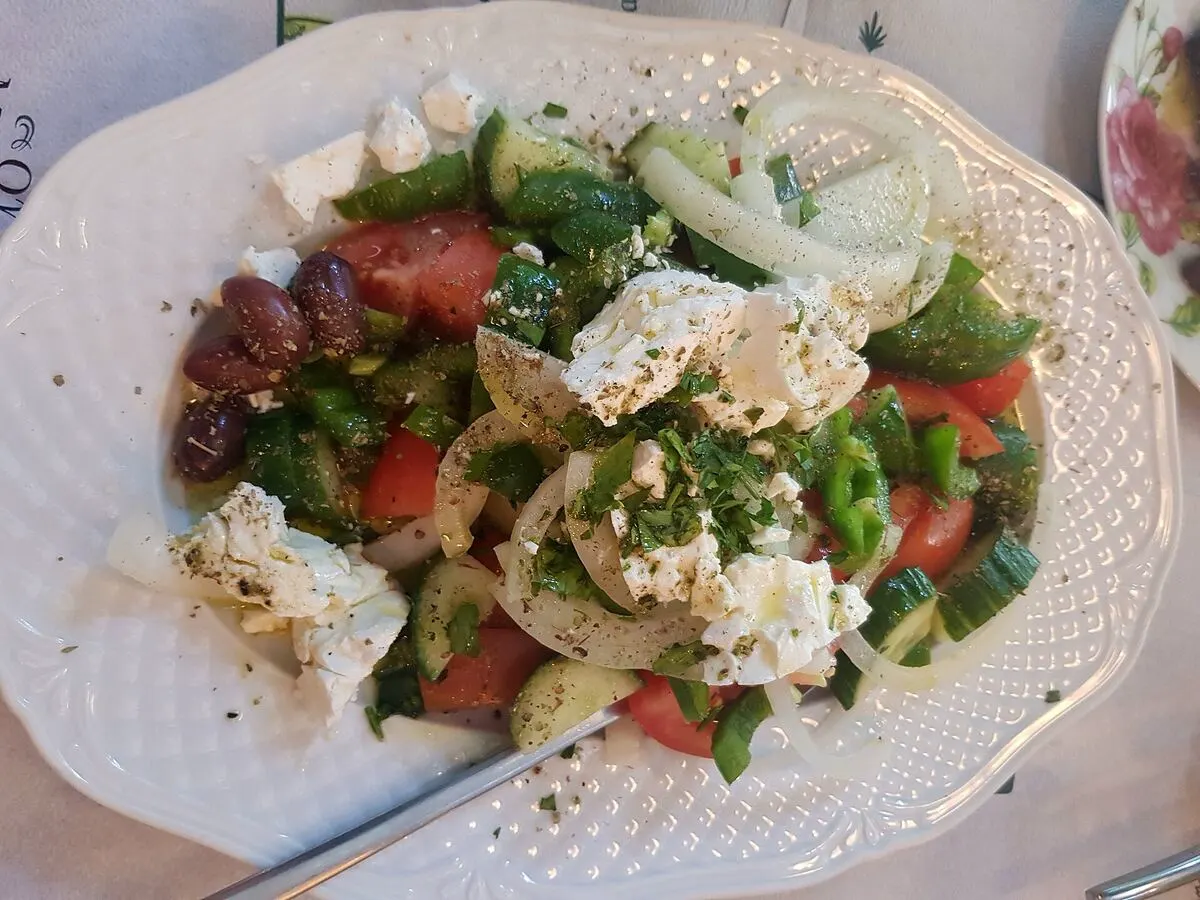
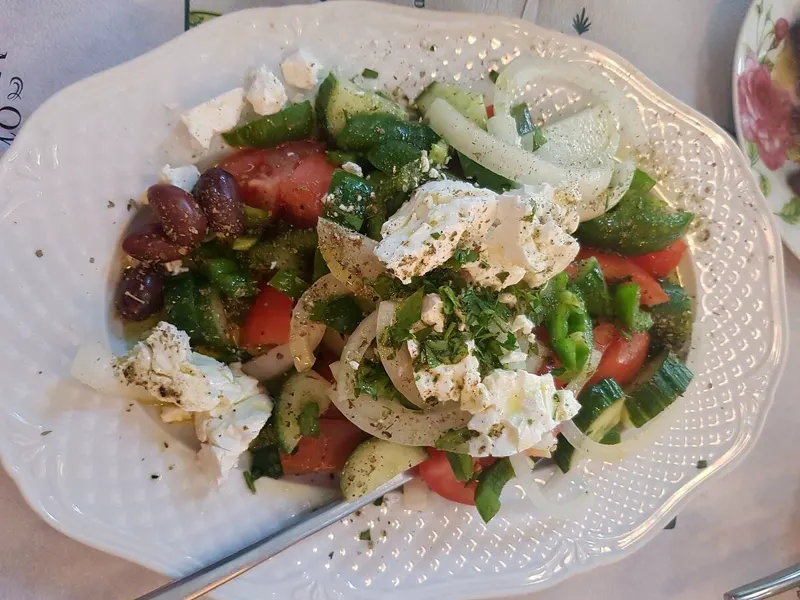
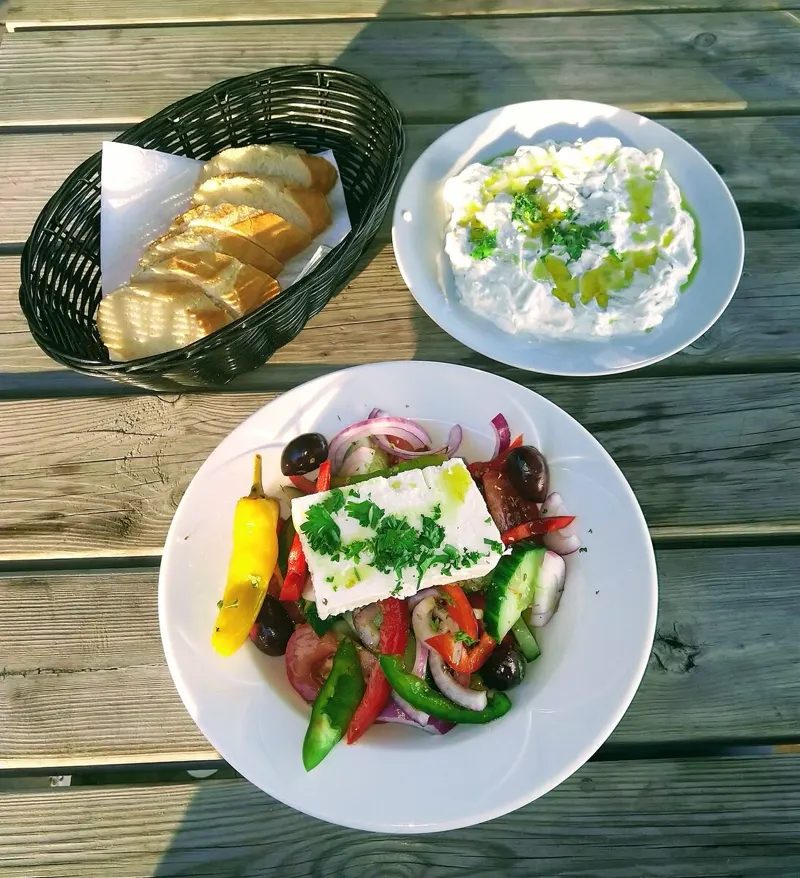
Tomato, cucumber, onion, feta, Kalamata olives, oregano
Ντομάτα, αγγούρι, κρεμμύδι, φέτα, ελιές Καλαμάτας, ρίγανη
Tomate, Gurke, Zwiebel, Feta, Kalamata-Oliven, Oregano
Tomate, concombre, oignon, feta, olives de Kalamata, origan
토마토, 오이, 양파, 페타 치즈, 칼라마타 올리브, 오레가노
After the meal
Payment is up to you
Cash always works. The cashier records it.
Keep the card terminal you have, Viva, myPOS or your bank’s. Nothing to integrate: the cashier marks the bill paid.
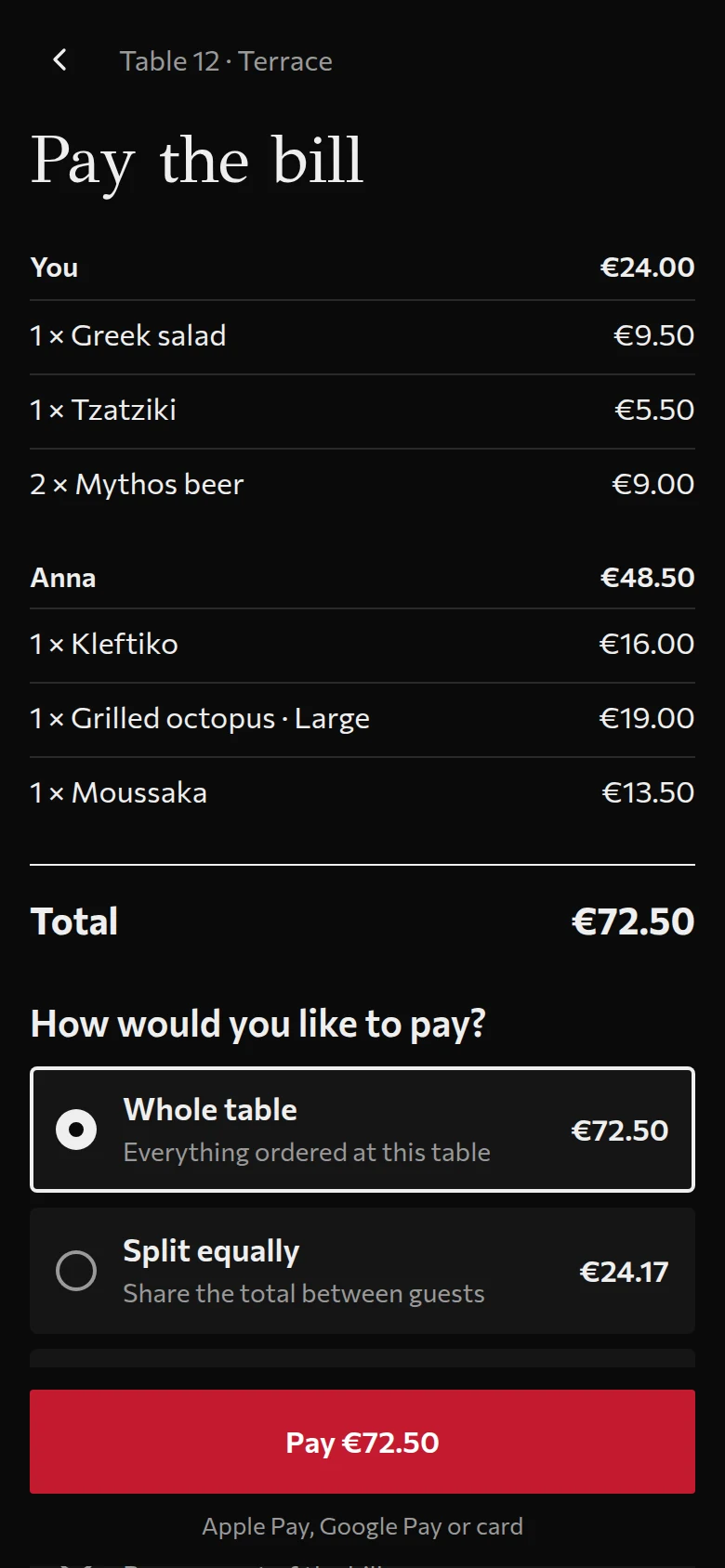
Or connect your own Stripe account and guests pay in the app: the whole bill, split equally, or just their items, with Apple Pay or Google Pay. The money goes straight to your account. Card details never touch Tavli.
Reviews, for every guest
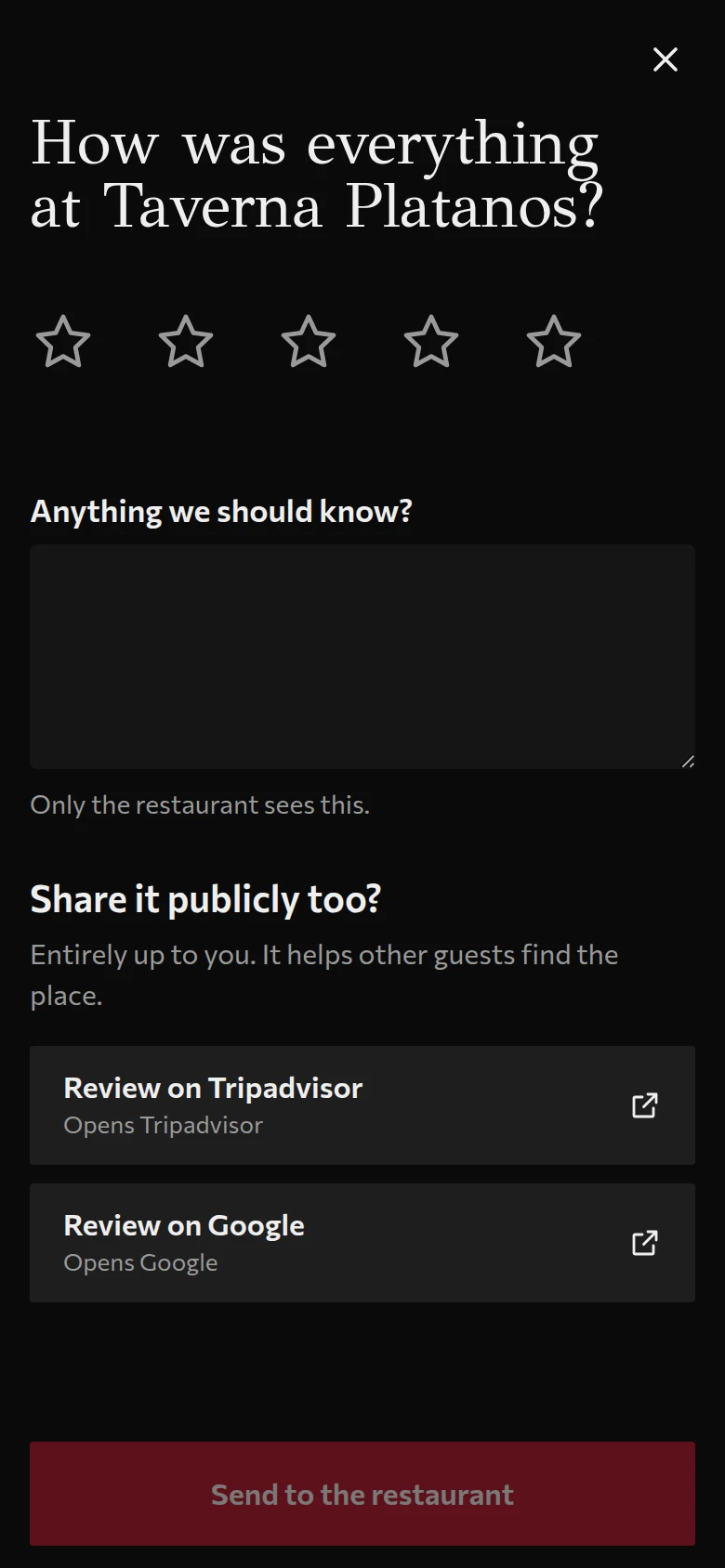
After the bill, every guest sees the Google and Tripadvisor buttons, whatever stars they gave.
Showing them only to happy guests is what both platforms forbid, so Tavli does not offer it. An unhappy guest can still send you a private note, and the public buttons stay.
Paste your Google or Tripadvisor link once. We count taps on the buttons, not reviews, because those are not ours to see.
How to start
Live in about 30 minutes, without us. Type in your dishes, place your tables, print the QR codes.
Paper menu
Ταβέρνα Πλάτανος
Μεζέδες
Από τη σχάρα
What Tavli read
Sign up with your e-mail
It takes a minute and needs no card. You start on 14 days of Pro. Your country sets the currency, the tax and the languages we suggest.
Set up your venue, menu and tables in the console
Type your dishes in, category by category, with prices, allergens and photos if you like. Then place your tables on the floor plan, or just say “I have 20 tables”.
Print the QR codes
One PDF, one code per table. Each code opens that table’s menu. Paste your Google and Tripadvisor links first if you want the review buttons.
Test it with your staff
Put the venue in test mode: send yourself an order from your phone, then pair the kitchen, floor and till devices with a six-digit code. Test orders are practice and are not counted.
Go live
When you are ready, switch to live in the console’s Settings. Guests scan, order, and pay at the till or in the app.
Prices
Every new account gets 14 days of Pro. No card needed.
0% commission on guest payments.
You pay a flat monthly price and nothing per order. When guests pay in the app, the money goes straight to your own Stripe account and Tavli takes no cut; Stripe’s own card fees still apply. Guests can always pay cash or by card at the till instead.
These are the prices we plan to launch at. We will confirm them with the first venues before anyone is charged.
Questions
Short answers, including the ones we can’t give yet.
Every new account gets 14 days of Pro. No card needed.
Start freeWi-FiWhat if the Wi-Fi drops?
The staff screens keep working for up to a minute without a connection and send everything they queued when it returns. A loud banner tells staff they are offline. Guests use their own mobile data or your Wi-Fi.
myDATADoes it handle Greek tax rules?
Not yet. The fiscal connection for Greece, myDATA through a certified provider, is coming before ordering launches in Greece. We are confirming the exact obligations with an accountant, and we will not launch ordering in Greece without it.
DataWhere is my data?
On our own servers in the EU. Guests are anonymous unless they choose otherwise. You can export or delete your organisation’s data, and a data processing agreement is available.
CardsDo you see my customers’ card details?
No. Online card payments run through Stripe’s own secure fields, so card data never touches Tavli. Cash and your own card terminal work without any of it.
PlansCan I cancel anytime?
Yes. Monthly plans can be cancelled whenever you like, and yearly billing costs ten months instead of twelve. The 14 days of Pro need no card, so there is nothing to cancel before you decide.
GuestsDo guests install anything?
No. The QR opens a web page. There is no app, no account and no cookie banner, because the guest side has no tracking.